where is frozen 2 streaming? Find Disney+ options
where is frozen 2 streaming? In the United States, Disney+ is the main subscription service to check for the 2019 animated film, Frozen II. You may also be able to rent or buy it through digital video stores, depending on your country.
Streaming catalogs change, and the options shown in one country may not appear in another. This guide explains how to check availability, compare subscription viewing with a rental or purchase, and choose the right version for your household. You’ll also find practical steps for fixing common playback problems and confirming that a listing is the feature film rather than a trailer or bonus clip.
where is frozen 2 streaming?
For viewers in the United States, Disney+ is the first place to check for Frozen II. Disney+ is the film’s primary subscription streaming home, but a title’s availability can vary by country and can change over time. If you do not see it in your local catalog, check digital stores such as Apple TV, Prime Video, or YouTube for a rental or purchase listing. The services and options available depend on your location.
There is an important difference between streaming with a subscription and watching a digital copy you rent or buy. A subscription lets you watch titles included in the service’s current catalog while your membership is active. A rental usually gives you a limited viewing window, while a purchase generally adds the title to your digital library under the store’s terms.
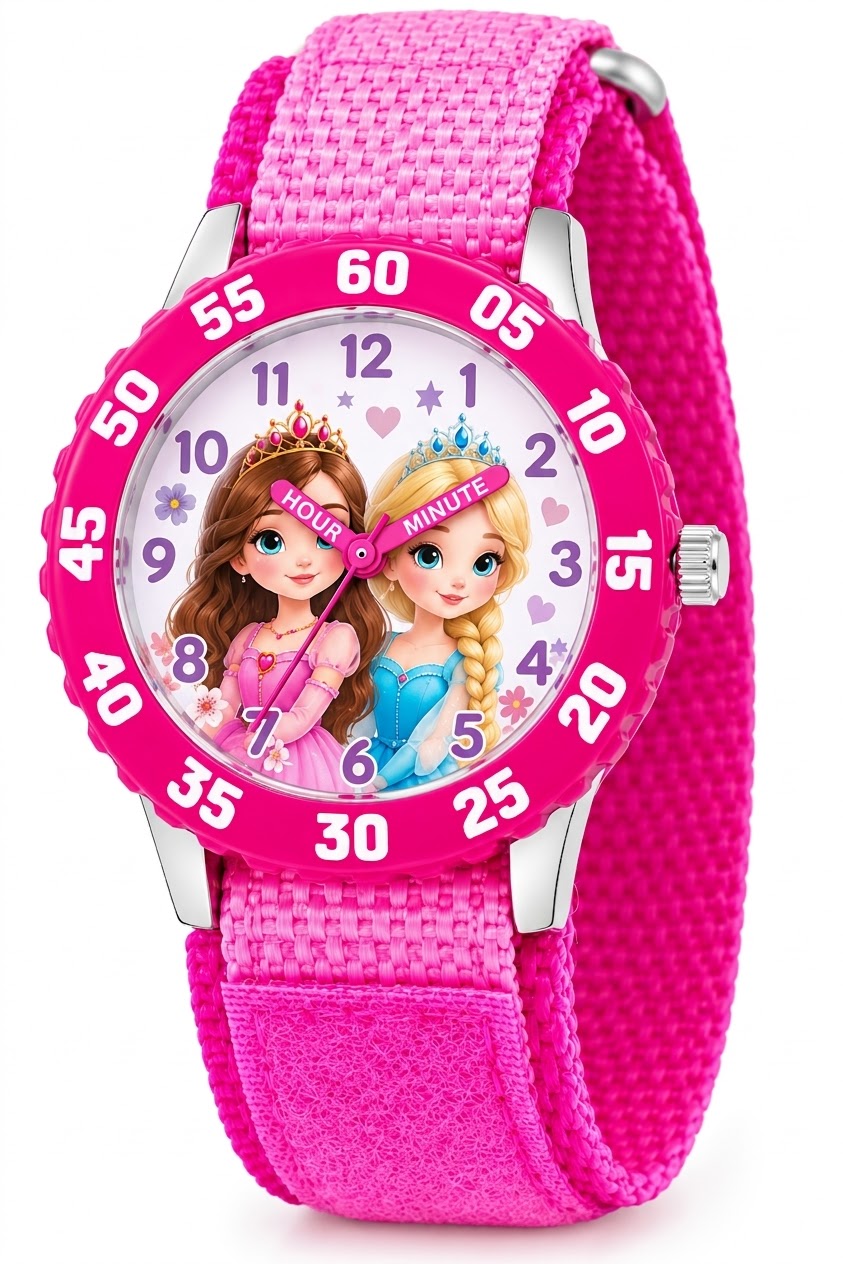
Disney Frozen Kids' Bezel Stainless Steel Time Teacher Analog Nylon Strap Watch
Check Price on AmazonBefore paying, search for Frozen II, the film’s official title, rather than relying only on a search for “Frozen 2.” Both searches may work, but the official title can help separate the 2019 movie from clips, trailers, soundtracks, and other Frozen-related results.
Streaming, renting, or buying: which option fits?
The best choice depends on how often you plan to watch and whether you already subscribe to a service that carries the movie. If you have Disney+, look there first. If you only want to watch once or do not subscribe, compare the available rental and purchase listings before choosing.
| Option | How access works | Best for | Check before choosing |
|---|---|---|---|
| Subscription streaming | Watch while the title is included in the service and your membership is active. | Households that already subscribe or expect to watch more than once. | Confirm the film appears in your country’s catalog and check whether your plan supports your preferred screens. |
| Digital rental | Pay once for temporary access, subject to the store’s viewing and expiration rules. | A one-time movie night without starting a subscription. | Read the rental window and playback deadline shown before checkout. |
| Digital purchase | Pay once to add access to a digital library, subject to the retailer’s account and service terms. | Viewers who expect to return to the film over time. | Check which account owns the purchase and whether downloads are supported. |
| DVD or Blu-ray | Watch a physical disc with a compatible player. | People who want a disc, bonus features, or a copy that does not depend on a streaming catalog. | Verify the disc format, regional compatibility, and included features before ordering. |
Streaming services and digital stores may show different versions or extras. A film page might include bonus material, trailers, or related titles alongside the feature. Confirm that the listing names the full-length Frozen II movie before you start playback or pay.
How to check availability in your country
Catalog information on a general search page can be out of date or based on a different country. The most reliable quick check is to search directly in the apps or stores you can use where you live. Follow these steps:
- Open your local Disney+ app or website. Make sure you are signed in to the account and profile you plan to use. Search for both “Frozen II” and “Frozen 2.”
- Check the film’s detail page. Confirm that the title is the 2019 animated feature, not a trailer, short, or soundtrack. Look for the runtime and film description if several results appear.
- Search digital video stores separately. If the movie is missing from your subscription catalog, look for it in the Apple TV, Prime Video, or YouTube store available in your country. A store listing may offer rental, purchase, or both.
- Check the final price and terms. A rental and a purchase are different products. Read the access period, playback deadline, supported devices, and any download information shown at checkout.
- Confirm your region before using a listing from a search engine. A result may point to a store page that is not available in your country. Use the service’s local app or country-specific site to verify that you can actually watch it.
If you are traveling, the catalog shown may differ from the one you see at home. A downloaded title may also have its own playback rules, so check the app’s download information before leaving a reliable internet connection.
What to know before streaming on Disney+
Disney+ offers the simplest route when the film is included in your local subscription catalog. Search the title in the app, open its page, and select play. You do not normally need a separate rental payment for a title included with your membership, but subscription plans and service features can differ by country.
Check the profile you are using if the movie does not appear. Parental controls or age settings can limit what a profile displays. A parent or account holder can review the profile settings and choose an appropriate setting for the child, rather than changing restrictions without checking what else the profile can access.
For a family viewing session, check the language and subtitle options before everyone sits down. The available audio tracks, captions, and subtitles can vary by country, device, and title. Open the playback controls and look for the audio or subtitle menu to see which options are available on your screen.
Streaming quality depends on several things, including your internet connection, device, app, and plan. If the picture looks soft or the video keeps buffering, test another title and restart the app before assuming the film itself is the problem. A connection that works for browsing may still struggle with high-quality video, especially when several devices share the same network.
How to rent or buy the movie digitally
If the film is not included with a service you already use, a digital rental can be a straightforward choice for a single watch. A purchase may make sense if you expect to return to it, but digital ownership is not the same as owning a physical disc. Access is normally tied to the store account and subject to that retailer’s terms.
- Choose a store available in your country. Search its app or website for the official film title. Do not assume every retailer offers the same version or price.
- Compare rental and purchase options. If both are available, check the displayed cost and access conditions. Do not pay extra for a purchase if a rental better matches your plans.
- Read the terms before confirming. Rental services commonly set a time limit for starting playback and a separate period for finishing once playback begins. The exact rules are shown by the retailer and can vary.
- Check the account and device. Make sure you are signed in to the account that should receive the rental or purchase. Confirm that your television, tablet, or streaming device supports the store’s app.
- Save the title to your library or watchlist. This makes it easier to find the movie later and reduces the chance of selecting a similarly named clip.
One common mistake is to assume that a “buy” button guarantees permanent access in every circumstance. A digital purchase usually provides ongoing access through a platform, but the content remains subject to the retailer’s terms and the status of your account. If long-term access matters, a physical disc may be a better fit.
Disney Frozen 2 Lavender, Light Blue and Purple Forest Spirit 4 Piece Toddler Bed Set - Comforter,
Check Price on AmazonCan you watch Frozen II offline?
Sometimes. Offline viewing depends on the service, your subscription or purchase, the device, and the title’s download rights. If a download button appears in the app, you can usually save the movie to a supported device and watch it later without a continuous internet connection. The app’s rules determine how long a download remains available and whether it must be renewed online.
Check for the download option while connected to Wi-Fi, especially if you are preparing for a flight or road trip. Download the movie in advance, open the app once before leaving, and confirm that the video appears in the downloads section. This simple check can catch a failed download or account sign-in issue before you lose reliable internet access.
Downloads are generally kept inside the streaming app rather than saved as an ordinary video file. That means you cannot assume you can move the file to another device or keep it forever. If you rent the movie, the rental period may still apply to an offline copy.
Fixes if the movie will not play
If the title appears in a catalog but will not start, work through basic checks in order. This helps identify whether the problem is the account, app, device, or network.
- Check the account and subscription. Confirm you are signed in to the expected account and that the subscription or rental is active.
- Restart the app. Close it fully, reopen it, and search for the film again. If that fails, restart the device.
- Test another video. If other titles also buffer or fail, the issue is more likely related to the app, device, or internet connection than this specific film.
- Check the internet connection. Move closer to the router or try another network if available. Pause large downloads or other heavy network use during playback.
- Update the app and device software. Older versions can cause playback or sign-in problems. Install available updates, then try again.
- Review storage and downloads. If an offline copy will not play, check whether the download completed and whether the app requires you to reconnect or renew access.
Do not immediately rent the movie again if a paid listing fails to play. First confirm that you are using the account that made the transaction and check the store’s order history. If the purchase or rental is present but still does not work, use that retailer’s support options.
Finding the right version for family movie night
Frozen II is the 2019 sequel to Disney’s Frozen, featuring Anna, Elsa, Kristoff, Olaf, and Sven. If you are planning to watch the story in order, start with the original Frozen and then play Frozen II. The sequel can be watched on its own, but the first film introduces the characters and relationships that continue in the next story.
Search results can include songs, trailers, clips, and related Frozen titles. Choose the result labeled as the feature film and check the description before pressing play. This is especially useful when a child is using the remote, since a music video or short clip may appear beside the full movie.
For a smoother family setup, decide in advance whether you want subtitles, a particular audio language, or a specific profile. Start playback a few minutes early to check those controls and the volume. If you are using a rental, test the device before the viewing session so you do not spend the rental window troubleshooting a sign-in or app problem.
Why streaming availability can change
A movie’s availability depends on regional distribution rights and the agreements that services have for particular markets. Those arrangements can change, so an old article, social post, or search result may no longer match what your app shows today. Even if a friend can stream the film in another country, that does not confirm it is available in your local catalog.
Subscription catalogs, digital purchase stores, and physical-disc shops are separate options. A title can be absent from one subscription service but available to rent elsewhere. Likewise, a store may list a purchase in one country and not another. Check the actual service you plan to use instead of assuming that one platform’s listing applies everywhere.
Another easy-to-miss detail: a title appearing in a search engine does not always mean it is included at no extra cost. The result may point to a rental or purchase page, or to a catalog in another region. Read the button and price on the service’s own page before starting playback or entering payment details.
For most U.S. viewers, Disney+ is the first place to check for Frozen II. If it is not in your local subscription catalog, compare a rental or purchase from a digital store available in your country.
Before choosing, confirm the full-length film, check the access terms, and make sure the app works on your device. If you need offline viewing, download the movie in advance and verify that it plays.