where can i watch olaf’s frozen adventure online
For where can i watch olaf’s frozen adventure, check Disney+ first; the short is available there in many regions. If it is not in your local catalog, look for a digital rental or purchase, or check a DVD or Blu-ray listing.
Availability can vary by country and change over time, so a title appearing in search results does not always mean it is playable where you live. This guide explains how to check your options, what to do if the short is missing, how it fits with the Frozen films, and how to avoid confusing it with other Olaf stories.
where can i watch olaf’s frozen adventure?
Start with Disney+. It is the main streaming service to check because Olaf’s Frozen Adventure is a Disney animated short. The title is available in many regions, but the Disney+ catalog differs by country and can change. Search the exact title in the app or website while signed in to your local account.
If you cannot stream it there, check reputable digital video stores for a rental or purchase option. You can also look for a DVD or Blu-ray listing, since home-video availability may differ from streaming availability. Before paying, confirm that the listing is for the short itself or an edition that clearly includes it.
The film is a short, not a full-length Frozen sequel. It runs about 21 minutes, so check the runtime and description to make sure you have the right title. Some stores group it with other Disney shorts or Frozen releases.
Ways to watch and how they compare
Your best choice depends on whether you want to watch immediately, keep a copy, or use a service you already subscribe to. Availability, prices, and playback rules are set by each service and may vary by region.
| Option | What to check | Best for |
|---|---|---|
| Disney+ | Search the local catalog and confirm the title opens for playback. | Subscribers who want to stream without a separate rental. |
| Digital rental | Check the rental period, playback deadline, and whether the short is available on its own. | A one-time watch without buying a disc. |
| Digital purchase | Confirm the title is a standalone purchase or part of a collection, and check account or device limits. | Viewers who want ongoing access through a video store account. |
| DVD or Blu-ray | Read the edition details, included features, region code, and playback compatibility. | People who prefer physical media or want a copy that does not depend on a streaming catalog. |
Check Disney+ first
Open Disney+ and search for Olaf’s Frozen Adventure. If the result appears, open its details page and check that it has a Play button in your region. A search result, artwork tile, or watchlist entry alone does not prove the title is currently playable.
If you use a child profile, check its age settings too. A title can be absent from a restricted profile even when it appears in the household’s main profile. Parental controls are one easy-to-miss reason a family thinks a film has disappeared from the service.
Check a rental or purchase carefully
Search the full title in the digital store available on your television, phone, or streaming device. Store catalogs are not identical, and the short may appear as a separate listing, inside a collection, or as a bonus feature on a related release. Read the description before you rent or buy.
For a rental, note how long you have to begin watching and how long playback remains available once started. Those rules vary by store. For a purchase, check whether the item is a permanent digital license tied to your account rather than a file you can freely download and move between devices.
Consider a disc if streaming is unreliable
A DVD or Blu-ray can be a practical alternative if the title is unavailable in your streaming region or you want to watch without relying on a subscription. Check the packaging or seller’s listing for the exact included program. Some listings describe a larger Frozen collection, while others may refer to a different short or a bonus feature.
Also confirm that the disc will play on your equipment. DVDs and Blu-rays can have region restrictions, and not every game console or computer has a disc drive. A used listing may omit the original case or bonus materials, so ask for clear photos and read the condition details.
How to confirm you have the right Frozen short
Several Disney releases feature Olaf, and search results can mix them together. Olaf’s Frozen Adventure is a holiday-themed short released in 2017. In its story, Olaf sets out to find holiday traditions for Anna and Elsa after realizing the sisters do not have established traditions of their own.
Do not confuse it with Frozen Fever, a separate short centered on Anna’s birthday, or with Once Upon a Snowman, which follows Olaf during events connected to the first Frozen film. These are distinct titles, even though they share characters and may appear beside one another in Disney search results.
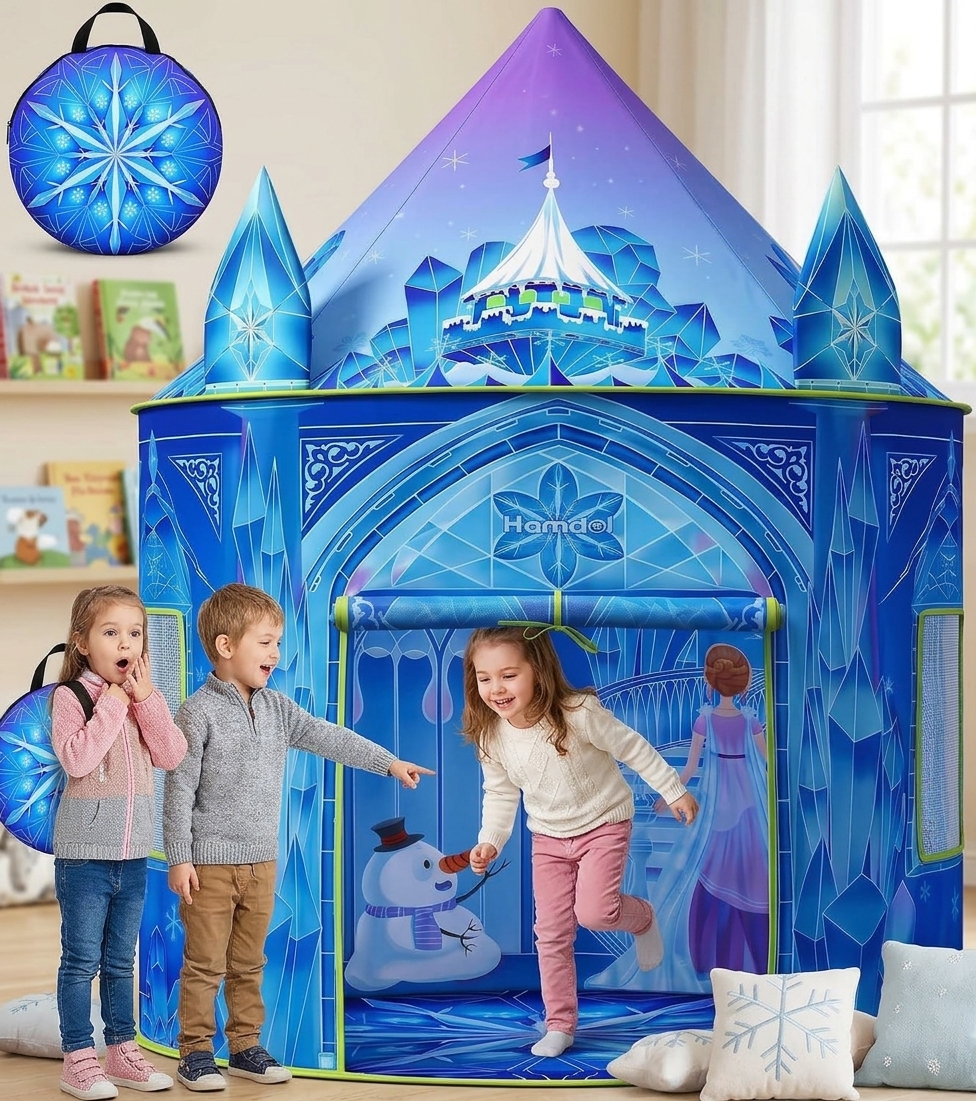
Princess Play Tent for Girls, Frozen Toy, Ice Castle Kids Playhouse for Indoor & Outdoor
Check Price on Amazon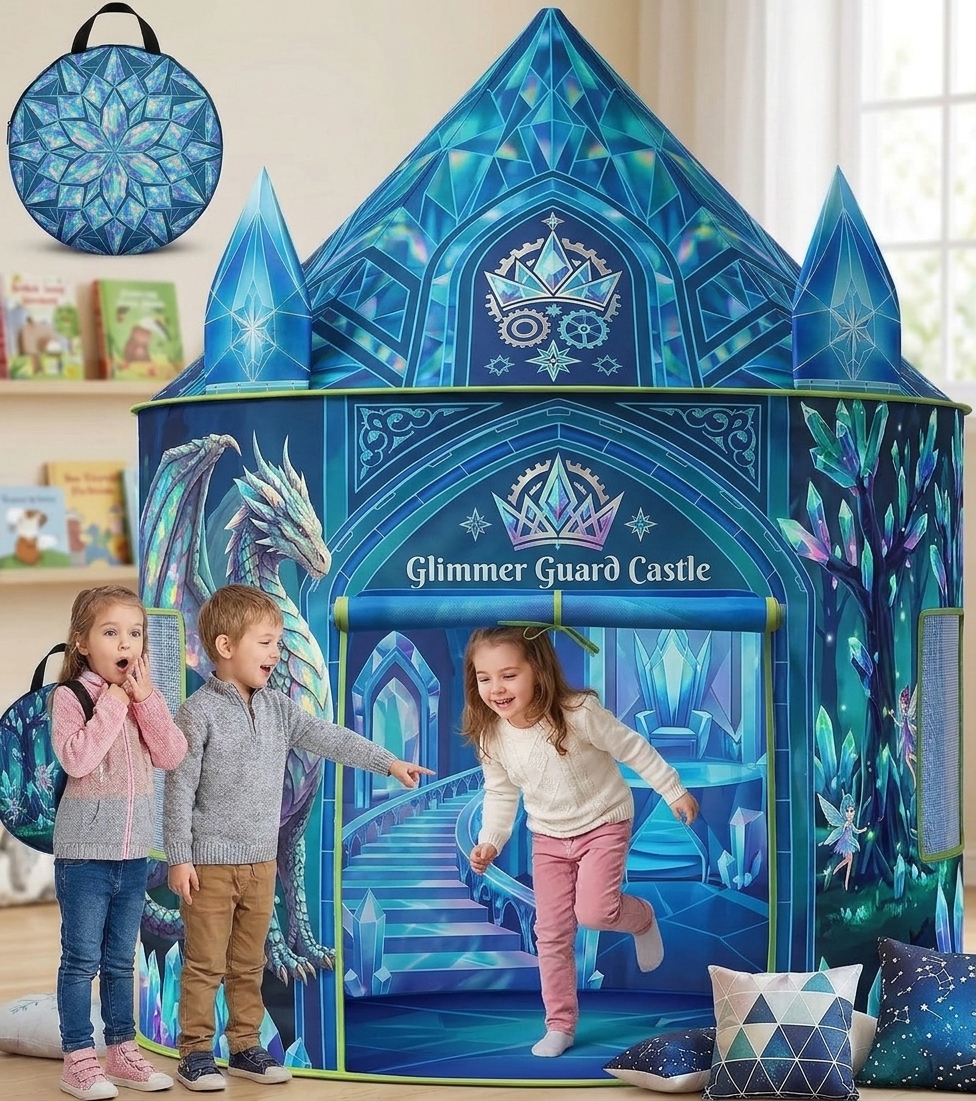
Princess Pop Up Play Tent, Frozen Toys for Girls
Check Price on Amazon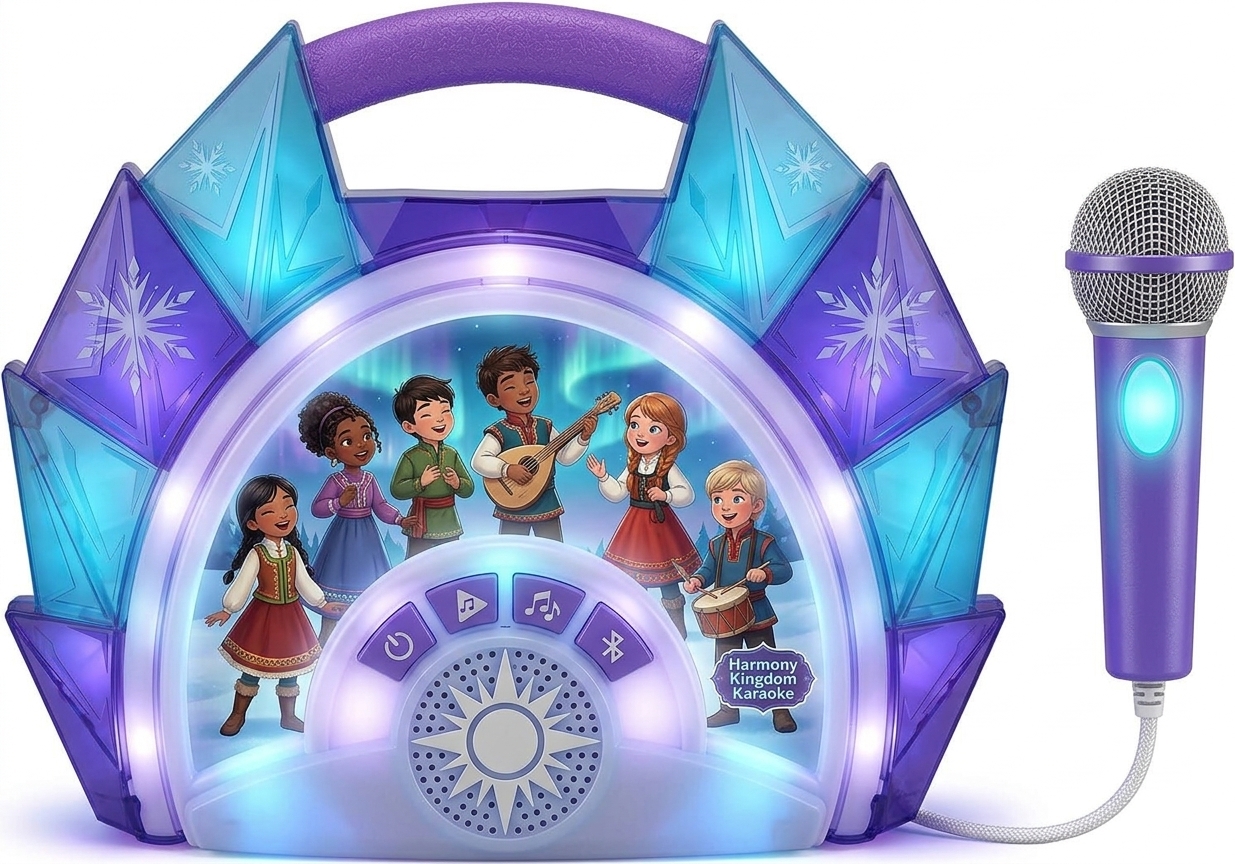
eKids Disney Frozen Karaoke Microphone with Bluetooth Speaker for Fans of Disney Toys
Check Price on AmazonFrozen Toys,Night Light Projector With 19 Films+15 Music,Girl Gifts For 2-6
Check Price on AmazonBefore you press play, compare the title, artwork, description, and approximate runtime. The holiday story and roughly 21-minute length are helpful identifiers. If a listing describes a feature-length movie, a birthday celebration, or Olaf’s early time in the snow, it is not the same short.
Where it fits in the Frozen viewing order
You can watch Olaf’s Frozen Adventure on its own. Its plot is easy to follow without special preparation, and it does not require you to watch every other Frozen release first. For a more satisfying family watch, place it after the original Frozen, when you already know Anna, Elsa, Olaf, and their relationship.
A simple story-focused order is:
- Frozen (2013), the feature film that introduces the main characters and their kingdom.
- Olaf’s Frozen Adventure (2017), the holiday short about finding a family tradition.
- Frozen II (2019), the later feature-length story.
This order is a convenient viewing suggestion, not a requirement. The short is a standalone seasonal story, so it also works as a holiday pick between the two features. If you are watching every short, add Frozen Fever and Once Upon a Snowman as separate entries rather than treating them as alternate names for this film.
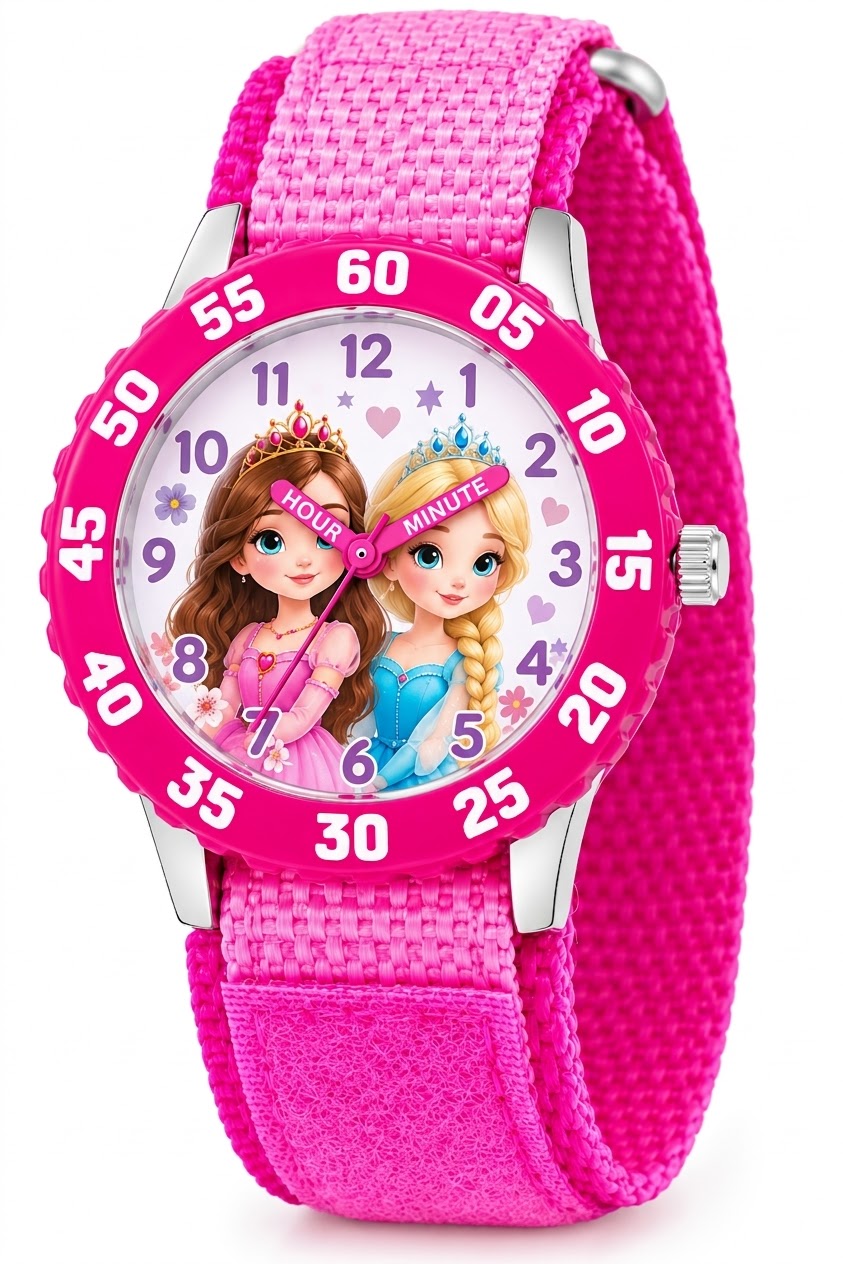
Disney Frozen Kids' Bezel Stainless Steel Time Teacher Analog Nylon Strap Watch
Check Price on AmazonWhy the short may not appear in your search
A missing listing does not always mean the title has been removed everywhere. Streaming catalogs depend on location, and a title page available in one country may not offer playback in another. Your account’s home region, the location you are watching from, and the service’s current catalog can all affect what appears.
- Check your profile: Switch to an adult profile or review the child’s content restrictions.
- Search the exact title: Try the complete title rather than searching only for Olaf or Frozen.
- Check the service’s local catalog: Availability in another country does not guarantee access through your account.
- Update or restart the app: An outdated app or temporary search issue can prevent results from loading correctly.
- Review the listing details: A collection or bonus feature may contain the short without appearing as a standalone title.
If Disney+ shows the title but will not play it, close and reopen the app, then try another supported device. If playback still fails, check whether other titles work. That helps distinguish a general connection or account issue from a problem specific to this listing.
A VPN or travel connection can also affect what a service shows, but using one may conflict with that service’s terms or change playback access. Do not assume that switching a virtual location will make a title available. The most reliable check is the catalog and playback status for your actual account and region.
Is it included with a Disney+ subscription?
When the short is available in your region’s Disney+ catalog, you can generally stream it through the subscription without renting it separately. A separate charge may apply if you choose a digital store or buy a disc instead. Check the title page before watching because subscription libraries can change.
Having the Disney+ app installed is not the same as having an active subscription, and a title shown in a search result may not be included in every offer or region. Check the account plan and the title’s playback page rather than relying on a search-engine snippet. If you are trying to avoid an extra purchase, do not confirm a rental until you have checked the price and account prompt.
Is it available on Netflix, Prime Video, or other services?
Streaming rights vary by country and can change, so there is no dependable worldwide answer for every service. Check each service’s own catalog for your region. A title may appear on a store’s website as a rental or purchase even when it is not included with that service’s subscription.
This distinction matters especially on platforms that combine subscription videos with a digital storefront. A listing on Prime Video, for example, might be a paid rental or purchase rather than part of a Prime subscription. Look for labels such as included, rent, or buy before selecting the title.
Search results from third-party streaming guides can help you find possible options, but they may be out of date or show availability for a different country. Confirm the result in the service itself before signing up or paying. A current Play button and clear price or subscription label are more useful than an old availability article.
Tips for watching with kids
At about 21 minutes, the short is easy to fit into a holiday movie night or a brief family break. Its seasonal story centers on family traditions and gift-giving. If your children have not seen Frozen, a quick introduction to Anna, Elsa, and Olaf can help them understand the relationships, but the short remains straightforward on its own.
For a smoother watch, choose the title before gathering everyone, check the audio and subtitle settings, and confirm the short plays to the end. If you are using a rental, test playback early enough to resolve any device or account issue while the viewing window is open. That small check can prevent a last-minute scramble.
Parents should also make sure the correct profile is active and that autoplay settings match their preferences. After the short ends, a streaming service may automatically start another film or episode. Turning autoplay off or staying nearby can help keep the viewing session on the title you selected.
Common mistakes when looking for the film
Assuming every Olaf title is the same is the most common search mistake. Frozen-related shorts have similar artwork and characters, but each has a different plot. Check the full title and description, especially when a service offers a bundle or collection.
Another mistake is treating an online listing as proof that a title is free with a subscription. Retail pages often mix subscription streaming with paid rentals and purchases. Look for the exact access label before you click, and check the final checkout screen for a charge.
Finally, avoid relying on a title’s availability in another person’s country or on an old article. Catalogs change, and a show page can remain indexed after playback rights change. Confirm the title directly in your service and account region on the day you plan to watch.
For where can i watch olaf’s frozen adventure, Disney+ is the first service to check, but regional catalogs vary. If it is not available to stream where you are, compare a digital rental or purchase with a DVD or Blu-ray listing.
Before you pay, confirm the exact title, runtime, and access terms so you do not choose a different Olaf short or an unexpected rental. Search your local service now and check that the title page offers playback.