is frozen game: what families should know
Yes—if you mean a game based on Disney’s Frozen, several games and interactive experiences have been released. There isn’t just one official “Frozen game,” and which titles you can play depends on your device and what is currently available.
This guide explains the main kinds of Frozen games, what their gameplay is like, and how to check whether one suits your child. You’ll also find practical advice about downloads, online features, in-app purchases, and older games that may no longer be sold.
What does “is frozen game” mean?
If you are asking whether a game based on Disney’s Frozen exists, yes. The franchise has inspired mobile puzzle games, handheld adventures, and other interactive experiences. The name “Frozen game” can refer to different titles, though, so it helps to identify the exact game before downloading or buying anything.
One well-known example is Frozen Free Fall, a match-three puzzle game. In that style of game, you swap or match colored pieces to complete a level’s objective. Other Frozen releases use different formats, such as story-led adventures or mini-games. The characters and setting may be familiar, but the controls, age guidance, price, and online features can differ from one title to another.
If you meant “my game is frozen” as in an app that has stopped responding, that is a separate technical problem. The troubleshooting advice below focuses on games based on Disney’s Frozen.
What kinds of Frozen games are available?
Titles based on the films do not all play the same way. Some are simple enough for short play sessions, while others ask players to follow a story, explore, or manage more involved controls. Use the game’s official store listing or packaging to confirm the specific features before choosing.
| Game type | What you usually do | Best for | What to check |
|---|---|---|---|
| Match-three puzzle | Match pieces and meet a level goal | Quick, casual play | Hints, extra moves, ads, and in-app purchases |
| Story or adventure game | Move through a story, locations, or challenges | Players who want more than puzzles | Device compatibility, controls, and age rating |
| Mini-game collection | Try several short activities | Short sessions and varied play | Whether it works offline and what is included |
| Console or handheld game | Play with a controller or portable device | Families who prefer a larger screen or physical controls | Platform, edition, used-copy condition, and current support |
This table describes broad formats, not a guarantee about every title. A game’s features can change by edition, device, and region. Check the exact listing rather than relying on a short video, an old review, or a search result that may describe a different release.
How to choose a Frozen game for a child
Start with the child’s age, reading ability, and comfort with the controls. A puzzle game may be easy to understand but still become difficult as levels progress. A story-based title may involve more reading or longer play sessions. If possible, review the gameplay and the store listing together before installing it.
- Identify the exact title. Look for the full name, developer or publisher, and supported platform. Similar names do not always mean the same game.
- Read the age rating and content notes. Ratings give a useful starting point, but they do not tell you whether a child will find the puzzles frustrating or the controls comfortable.
- Check the purchase model. Find out whether the game costs money up front, includes advertising, or offers optional purchases. A free download can still offer paid items.
- Review online features. Check whether the game connects to social services, allows communication, or shares information. Do not assume that a familiar character means the app has no online features.
- Test the game together. Watch a short play session and see whether the child can understand the goal, manage the controls, and stop when asked.
For younger children, the best fit is often the game with the clearest instructions and fewest interruptions, not necessarily the one with the most characters or levels. A parent can also set a play limit before starting, which helps avoid arguments when a level or activity runs longer than expected.
Is a Frozen game free?
Some games may be free to download, while others require payment. A free listing does not necessarily mean every feature is free. Mobile games can offer optional purchases such as extra attempts, hints, or other digital items. Older console and handheld games may be sold as paid downloads or physical copies, if they are available at all.
Before installing, read the current store page for the exact version. Check for phrases such as “in-app purchases,” review the listed price, and look at the developer’s purchase information. Store policies and prices can change, so an old article or a video showing a past version may not reflect what a new player sees today.
To reduce surprise charges, use the device’s parental controls to require approval for purchases or prevent them. Explain that tapping a button in a game can sometimes start a purchase process, even if the initial download cost nothing. If the child does not need paid extras, there is no reason to add a payment method just to try a free game.
Can you play Frozen games offline?
It depends on the title and the feature you want to use. Some games may allow at least part of their gameplay without an internet connection, while downloads, updates, account features, or certain events may require one. Do not assume that every mobile game works offline simply because it is installed on the device.
A practical check is to open the game once while connected, then test it in airplane mode before relying on it during a trip. If a level or feature does not work, reconnect and check the game’s support information. Downloading the app in advance does not guarantee that every mode, purchase, or account feature will remain available offline.
Also consider storage. Games may need room for installation and later updates. If a device is nearly full, an update may fail or the game may not run smoothly. Check available storage before a long journey rather than troubleshooting after the device is already offline.
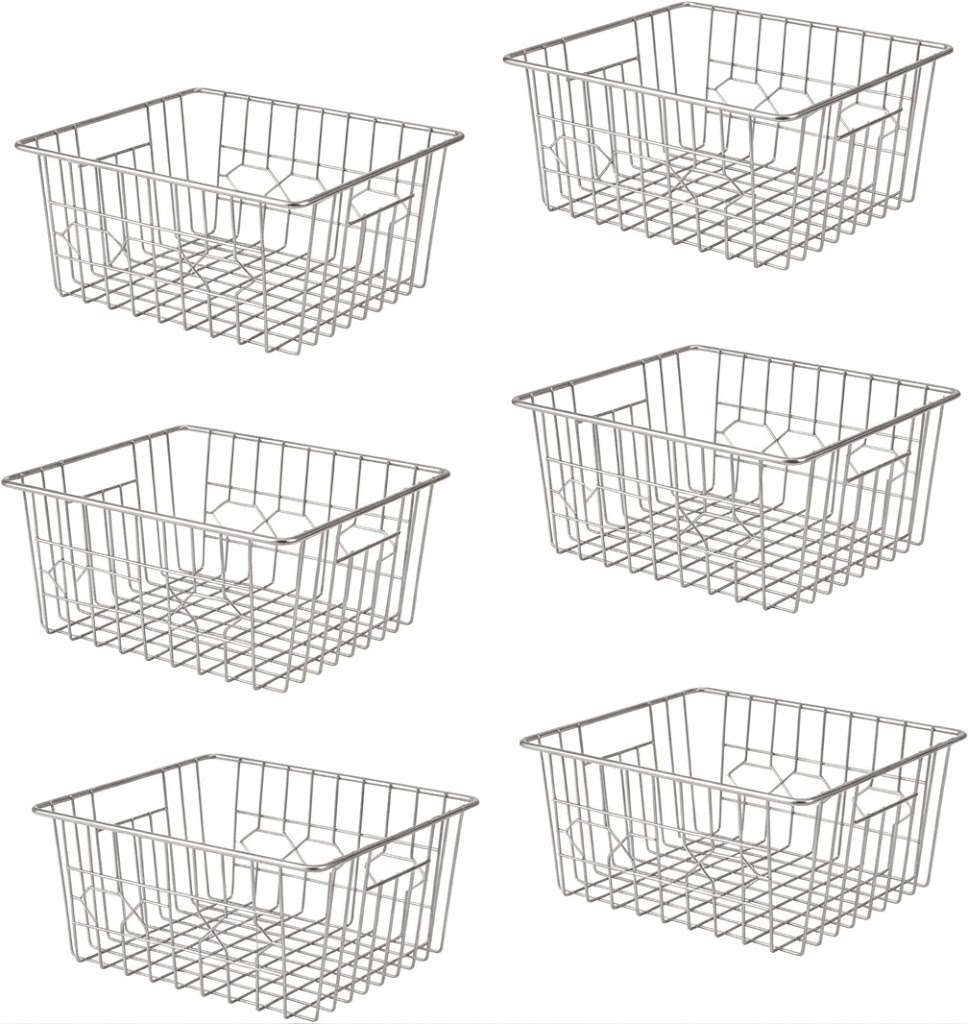
Upright Freezer Organizer Bins, Freezer Baskets for 14, 15 cu.ft Standup Freezer, Wire Storage Baskets with Built-in Handles for Frozen Foods,
Check Price on AmazonAre Frozen games safe and age-appropriate?
A game’s connection to a family film does not automatically tell you whether its digital features are suitable for your child. Check the age rating, content description, privacy information, and purchase options for the exact app or edition. Ratings are useful, but they are not a substitute for deciding what is right for your family.
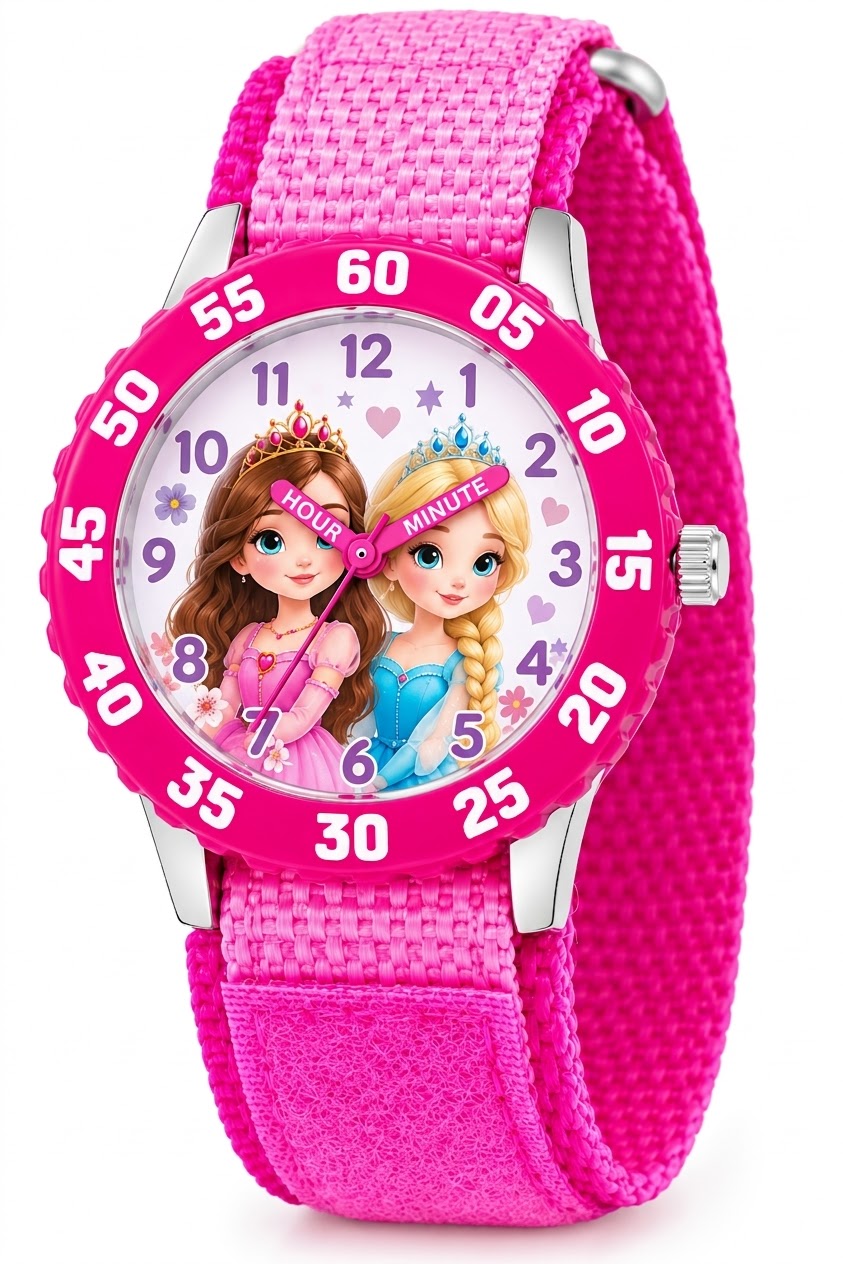
Disney Frozen Kids' Bezel Stainless Steel Time Teacher Analog Nylon Strap Watch
Check Price on AmazonFor a mobile game, review the permissions it requests. A permission should make sense for the feature being used. If the game asks for access that seems unrelated, pause and check the developer’s explanation before granting it. You can usually review or change app permissions in the device settings.
Pay particular attention to advertisements, links to other products, and communication features. A child may not recognize that an ad or a purchase prompt leads outside the game. If the game includes online interaction, talk about not sharing personal details and use available privacy or parental controls.
A useful detail that families often miss is that offline play and privacy are separate questions. A game might work without a connection during a particular session and still collect information when the device goes online later. Check the privacy details and settings rather than treating airplane mode as a complete privacy solution.
Why might an older Frozen game be hard to find?
Mobile and digital games can disappear from a store, become incompatible with newer operating systems, or stop receiving updates. A title that once appeared in a search may no longer be available to new players. Availability can also vary between countries and platforms.
For a console or handheld release, check the exact system and edition before buying. A used disc or cartridge may still be playable on compatible hardware, but digital content, online features, and save support can depend on the platform and the game. Confirm compatibility with the console maker’s information and the seller’s listing.
Be cautious with unofficial download sites that offer a game that is no longer listed in an official store. An unknown file can put a device or personal information at risk, and it may not be a legitimate copy. Prefer official storefronts, recognized retailers, or a compatible physical copy from a reputable seller.
What to do if the game will not open
If a Frozen game crashes, hangs, or fails to load, start with basic checks. The cause may be a temporary app issue, a device that needs an update, low storage, or a version that no longer supports the operating system.
- Close and reopen the game. Fully quit the app, then start it again. A simple restart can clear a temporary problem.
- Restart the device. This can resolve a short-lived software issue without changing the game’s data.
- Check for updates. Look for updates to the game and the device’s operating system. Read update notes if the game is old or compatibility is uncertain.
- Check storage and connection. Free space if needed, and connect to the internet if the game requires a login, download, or update.
- Protect saved progress. Before deleting and reinstalling a game, check whether progress is saved to an account or only on the device. Removing an app can erase local data.
If the title is no longer supported, reinstalling may not solve the problem. Check the developer’s current support information, the official store listing, or the platform’s help pages. Avoid entering account details on unofficial troubleshooting sites.
How to make play time smoother
A few simple choices can make a game easier to manage and more enjoyable. Set up the device before handing it over, especially if the child is likely to tap quickly through menus. That small step can prevent accidental purchases and reduce interruptions.
- Use parental controls. Set purchase approval, screen-time limits, or age restrictions where available.
- Check the sound and brightness. Adjust them before play, particularly in shared spaces or during travel.
- Agree on a stopping point. Choose a time limit or a natural break, such as finishing the current level.
- Keep the app current when appropriate. Updates can address compatibility issues, but make sure the device has enough storage first.
- Review the game after a few sessions. A game that seemed suitable at first may become frustrating or prompt more purchases than expected.
For younger players, sitting nearby for the first session is often more useful than relying on the title or cover art. You can see how the game presents instructions, whether the child understands its goals, and whether any pop-ups need your attention.
What should you check before downloading?
Use a short checklist before you commit to a download or purchase. It helps separate what the game promises from what the specific version actually offers.
- Does the title match the game you meant to find?
- Is it available for your device and operating system?
- Does the listing show a price, ads, or in-app purchases?
- Are there online features, account requirements, or privacy details to review?
- Can it be played offline if you need that feature?
- Is the game still supported, and can you find it through an official source?
If any important detail is unclear, wait before installing or paying. Look for information from the official store, platform, or game publisher. That is more dependable than assuming two games with similar artwork or names have the same features.
Yes, games based on Disney’s Frozen exist, but the phrase can refer to several different titles and formats. Check the exact game’s platform, age rating, online features, and purchase options before choosing one.
Your next step: search the official store for the full title, review its listing, and set purchase controls before a child plays. If you need offline access, test that feature before relying on it.