can you call elsa from frozen? Safe pretend-play options
No, you cannot place a real phone call to Elsa from Frozen. Elsa is a fictional character, and Disney does not provide her personal phone number for fans to call.
You can still create a fun pretend call using a recorded greeting, a role-play game, or an in-person character experience when one is available. This guide explains what call apps and online videos really do, how to make a simple Elsa-style call at home, and how to protect a child’s privacy while they play.
can you call elsa from frozen?
There is no real phone line that connects you to Elsa. She is a character in Disney’s Frozen, not a person who can answer a phone. A website, video, or app that appears to show Elsa calling is offering a recording, animation, automated feature, or pretend-play experience.
That distinction does not mean the activity cannot be enjoyable. A child can pretend to talk with Elsa, listen to a prerecorded message, or meet a performer portraying her at an event. The important point is to understand what the experience offers before sharing information, installing an app, or paying for anything.
If you searched for Elsa’s phone number, avoid numbers posted on unofficial websites or social media. They do not give you access to the character, and an unknown number could connect to an unrelated person or business. Never let a child call an unverified number or share their name, location, school, or other personal details.
What an Elsa call app or video actually does
Most supposed character calls use one of a few simple formats. A video may play a fixed scene that looks like an incoming call. An app may let you choose a greeting, start a timer, or play a prerecorded voice clip. Some services create a more interactive effect by responding to selected buttons or prompts, but that still does not mean Elsa is personally on the line.
Features, costs, and privacy practices vary. Some apps may be unofficial fan projects, while others may use licensed characters. A familiar image or character name does not by itself prove that Disney made, approved, or currently supports a service. Check the publisher and the app’s official listing rather than relying on a social post or an advertisement.
| Option | What happens | Best for | What to check |
|---|---|---|---|
| Recorded call video | A fixed clip plays on a phone or tablet. | A quick, no-setup pretend moment. | Use a trusted video source and preview it first. |
| Call-simulation app | An app displays a simulated incoming call or plays selected content. | Children who enjoy role-play on a device. | Review permissions, ads, purchases, and privacy terms. |
| Voice assistant or smart speaker | The device may play music or answer supported requests; it does not connect you to Elsa. | Playing approved music or setting up a family activity. | Check child settings and whether voice recordings are stored. |
| Dress-up or toy phone play | A child and caregiver invent a conversation together. | Screen-free imaginative play. | Agree that it is pretend and let the child lead. |
| Character appearance | A performer may greet guests at a particular event or venue. | A real-world character interaction. | Confirm availability, booking rules, and fees with the venue. |
A simulated call is entertainment, not a private conversation. It may not respond to a child’s words at all. If an app claims to offer live, personal contact, look for a clear explanation of who responds, how the service works, what it costs, and what information it collects.
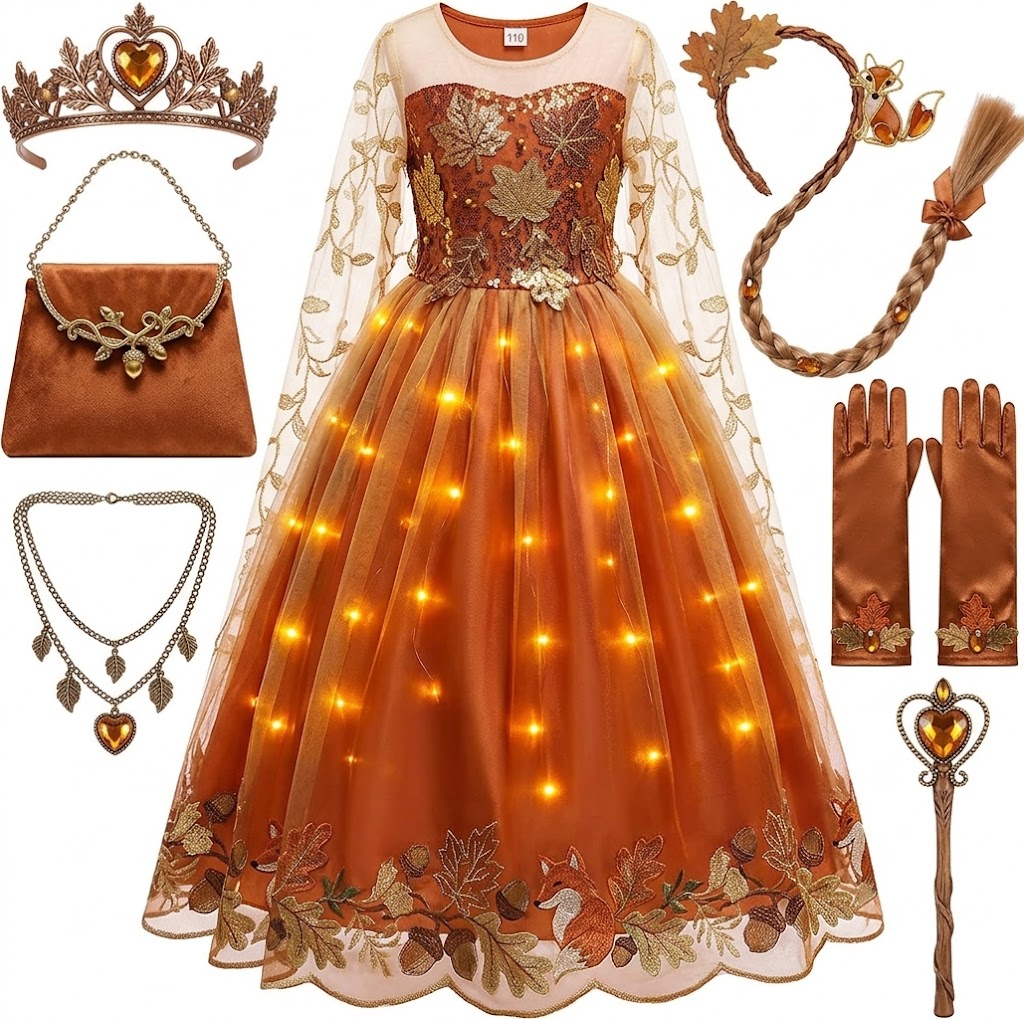
Princess Dresses for Girls Light Up Princess Costume for Christmas Halloween Toddler Princess Dress Up Clothes
Check Price on AmazonHow to make a safe pretend call with Elsa
You do not need a special app to create the effect. A short role-play can feel more personal than a clip because the child can choose what to say and how the story continues. Keep the setup simple, and make it clear that everyone is pretending.
- Choose the format. Decide whether you will use a toy phone, a disconnected handset, a video you have already checked, or a simple spoken role-play. A toy phone avoids account sign-ins, notifications, and accidental calls.
- Set the scene. Ask the child what the call is about. Elsa might be asking for help preparing for a snow day, inviting the child to an imaginary celebration, or checking in after an adventure.
- Let the child take part. Pause so they can answer, ask questions, or suggest what happens next. A pretend call works best as shared storytelling, not as a long recording the child only watches.
- Keep personal information out of the game. Use a first name only if needed, and avoid real addresses, school names, phone numbers, or travel plans. Do not record or upload the conversation without the family’s permission.
- End with a clear cue. Say goodbye, put the toy phone away, or explain that the video has ended. This helps younger children separate the make-believe call from a real phone call.
For an easy script, a caregiver can say, “Elsa has a question for you: what would you pack for a trip through the snow?” Then let the child answer in their own way. There is no need to imitate a specific actor or claim that the character is really speaking to them.
How to choose a call app or video
If you decide to use a digital option, treat it like any other app or online video a child might use. Review it yourself before handing over the device. A short preview can reveal whether the clip includes unexpected ads, frightening content, requests to tap links, or a purchase prompt.
Check who made it
Look at the publisher name in the official app store, not just the title or cover image. Read the description carefully and see whether it identifies the app as a game, a simulation, a recording, or a service with interactive features. If the listing is vague about who provides the character content, that is a reason to choose a different option.
Review permissions and privacy
A simple call-simulation app may not need access to contacts, a microphone, a camera, or a precise location. If it asks for permissions that do not fit its basic function, deny them or skip the app. Check whether it collects information, uses advertising, or shares data with other services, and use parental controls where available.
Be especially careful with apps that ask a child to enter a full name, birth date, home address, email, school, or phone number to receive a message. A child should not provide those details without a parent or guardian reviewing the request. If an app offers a paid feature, confirm the price and billing terms before starting a trial or subscription.
Keep use age-appropriate
Choose content that fits the child’s age and comfort level. Some videos use a loud ringtone, a sudden face on screen, or an urgent message to make the call look convincing. Preview the content and adjust volume so the effect does not startle a young child.
Do not assume that a clip is official because it uses familiar music, costumes, or artwork. If official status matters to you, check the publisher’s own information or choose content directly from a trusted, recognized source. When in doubt, a toy phone and a made-up conversation are easier to control.
Can you FaceTime or video chat with Elsa?
No, not with the actual fictional Elsa. FaceTime and similar services connect people or services that can join a video call; they cannot connect you to a character who does not exist as a real person. A video that appears to answer on a call screen is a prepared effect or a role-play, not a private video chat with Elsa.
Some venues and entertainment services may offer character interactions in specific formats. Availability depends on the provider and can change, so check the official venue or service details before making plans. Do not assume that a random social media account offering a “personal Elsa FaceTime” is genuine, safe, or connected to Disney.
If a performer is involved, remember that this is a person portraying a character. Follow the service’s rules about recording, photos, and personal questions. A responsible interaction should not pressure a child to reveal private information or ask them to contact the performer outside the approved service.
Can you ask Alexa or another assistant to call Elsa?
A voice assistant cannot make a real call to Elsa. Depending on the device and its available features, it may play music, tell a story, or launch a compatible activity, but those functions are not the same as speaking live with the character. Any character-themed skill or feature should be treated according to its own description and privacy settings.
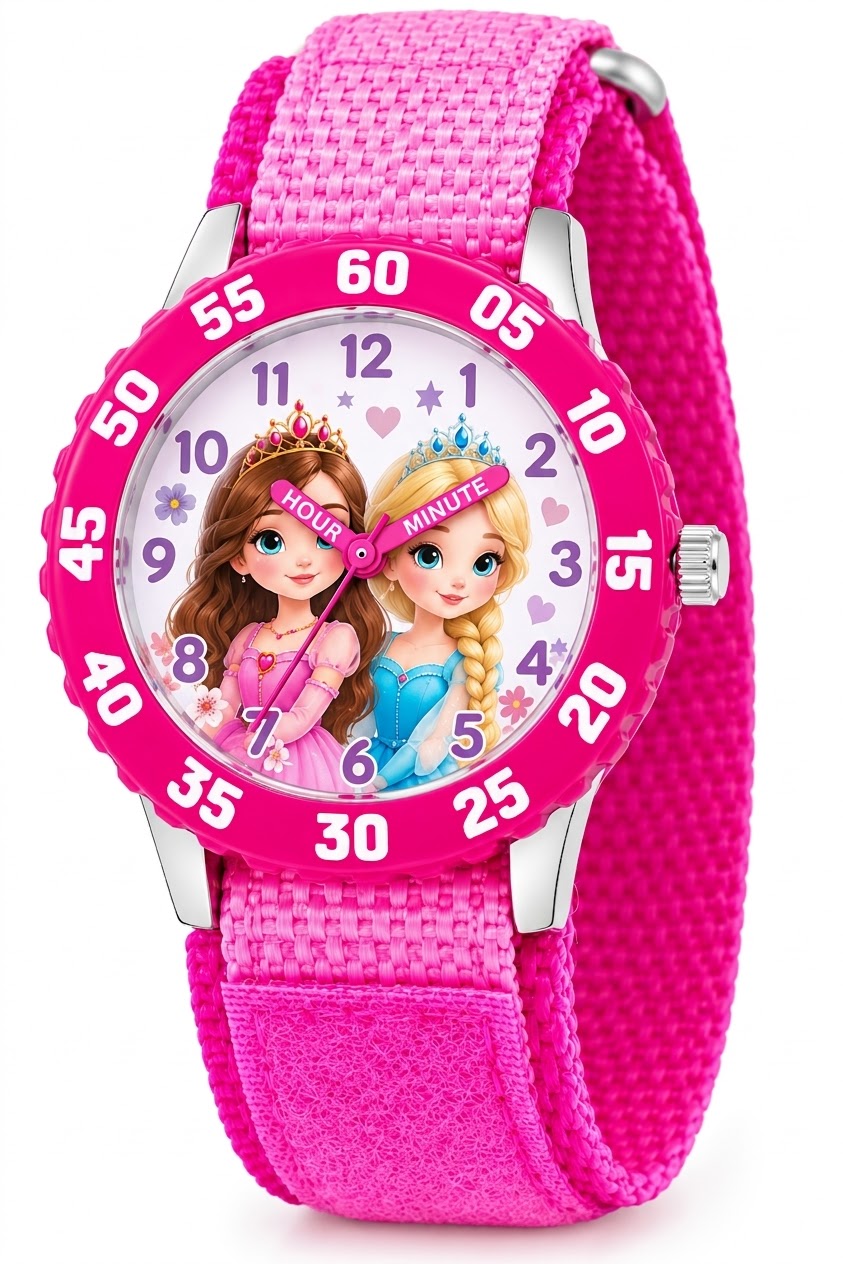
Disney Frozen Kids' Bezel Stainless Steel Time Teacher Analog Nylon Strap Watch
Check Price on AmazonBefore a child uses a smart speaker, review the device’s parental controls and microphone options. Check what happens when the wake word is detected, whether voice recordings can be saved, and how to delete them if desired. You can also turn off purchasing by voice or require an adult’s approval for purchases.
For a safer family activity, ask the assistant to play a song from a source you already trust, then switch to an offline pretend conversation. This keeps the fun focused on the story rather than on an unclear promise of personal access to a character.
How to tell whether an Elsa call offer is suspicious
Some offers are simply low-quality entertainment. Others may be designed to collect information, push unwanted downloads, or persuade families to pay for something misleading. Pause before tapping links or entering details, especially if the offer claims that Elsa has selected one child for a special private call.
- It promises a real, personal call from Elsa. A fictional character cannot answer a private phone call. A legitimate product should explain that it is a recording, simulation, performance, or other specific experience.
- It asks for sensitive details. A child’s home address, school, passwords, account details, and exact location are not needed for pretend play.
- It pressures you to act immediately. Urgent countdowns, threats that a call will disappear, and repeated prompts to pay are reasons to close the page.
- It asks you to install software from an unfamiliar link. Avoid downloads sent through unsolicited messages or pop-ups. Use the device’s trusted app store and check the publisher.
- It hides fees or subscription terms. Read the payment details before confirming anything, and check whether a trial renews automatically.
If a child has already entered personal information, tell a parent or guardian and review the relevant account and device settings. Change any password that may have been shared, remove an unfamiliar app, and use the platform’s reporting tools if a page or service appears deceptive. Do not reply to messages that request more details or money.
What to say when a child asks for Elsa’s number
A direct, kind explanation is usually enough: “Elsa is a character from a movie, so she does not have a real phone number. We can pretend to call her or watch a recorded message together.” This answers the question without making the child feel foolish for asking.
Then offer a choice. Ask whether the child would like to make a pretend call, draw a message for Elsa, or act out a scene from the movie. Giving them a next step preserves the excitement while making the boundary clear.
Children understand make-believe at different ages, and some may briefly treat a realistic video as a genuine call. If that happens, calmly explain what the screen is doing. Avoid telling a child that Elsa is secretly watching or waiting for them; that can create confusion or worry.
Screen-free Elsa activities that feel like a real conversation
A call is only one way to make a story interactive. These activities let a child respond, make choices, and use their imagination without giving an app access to the camera or microphone.
- Make a question-and-answer game. Take turns asking character-themed questions, such as what to bring on a snowy adventure or how to help a friend. Keep the questions light and let the child invent the answers.
- Write or draw a pretend message. The child can make a card, picture, or short note for Elsa. A caregiver can respond with a clearly pretend reply, such as a note left beside the drawing.
- Use a toy phone. One person can play Elsa while the child plays themselves. Switch roles if the child wants to lead the story.
- Act out a short scene. Use a scarf, paper snowflakes, or other household items as props. Make sure small items are safe for the child’s age and supervise anything that could pose a choking risk.
- Plan a themed activity. Read a related book, draw a winter scene, or prepare a snack together. The conversation can revolve around what the characters might do next.
These options are useful when a child wants to talk rather than simply watch. They also make it easier to stop or change the activity if the child becomes uneasy. A grown-up can adjust the story to suit the child’s interests without relying on a third-party service.
What to expect from an in-person Elsa appearance
Some entertainment venues, events, or character services may offer an opportunity to see a performer dressed as Elsa. That is a real interaction with a performer playing the character, not a visit from the fictional person. The format may be a brief greeting, a scheduled performance, a photo opportunity, or another activity set by the venue.
Check the official event or venue information before you go. Confirm whether the character will appear on your date, whether reservations are required, and whether the experience costs extra. Do not rely on old posts or third-party listings for current schedules.
Prepare children for what the interaction will be like. Explain that there may be a wait, that the performer may be working with many guests, and that the visit may be short. Follow venue rules about photography and touching costumes, and let the child decide whether they feel comfortable saying hello.
Common misconceptions about calling Elsa
A realistic video must be official
It does not. Editing and phone-screen effects can make a recorded clip look convincing. Check the source and the app details rather than judging by appearance alone.
A voice that sounds like Elsa proves the call is live
It does not. A recording or generated voice can play without anyone responding in real time. If the service does not clearly explain how it works, assume the interaction is simulated.
A free app has no cost or privacy trade-off
Free downloads can still show ads, collect data, or offer paid features. Review the permissions and payment settings, and supervise a child’s use rather than relying on the word “free.”
Every child needs a realistic call for the activity to be fun
Many children enjoy a simple story just as much as a convincing screen effect. A toy phone, a caregiver’s voice, or a drawing can offer more room for conversation and fewer privacy concerns.
You cannot make a real call to Elsa because she is a fictional character. Videos and apps that imitate a call are recordings, simulations, or role-play, so check their source, privacy settings, and costs before a child uses them.
For a simple next step, set up a pretend call with a toy phone and let your child invent the conversation. If you choose a digital or in-person experience, verify its details with the provider and keep personal information private.